Gym, runs & plans.One app.
Reysa turns your goal into a weekly plan, logs every set and every kilometre, and shows you the progress you're actually making — on iPhone and Apple Watch.
Now in Claude’s connector directory
Ask Claude about your training, and get routines and plans you approve in Reysa.
( 01 ) — Inside the app
What training with Reysa feels like.
01Plan
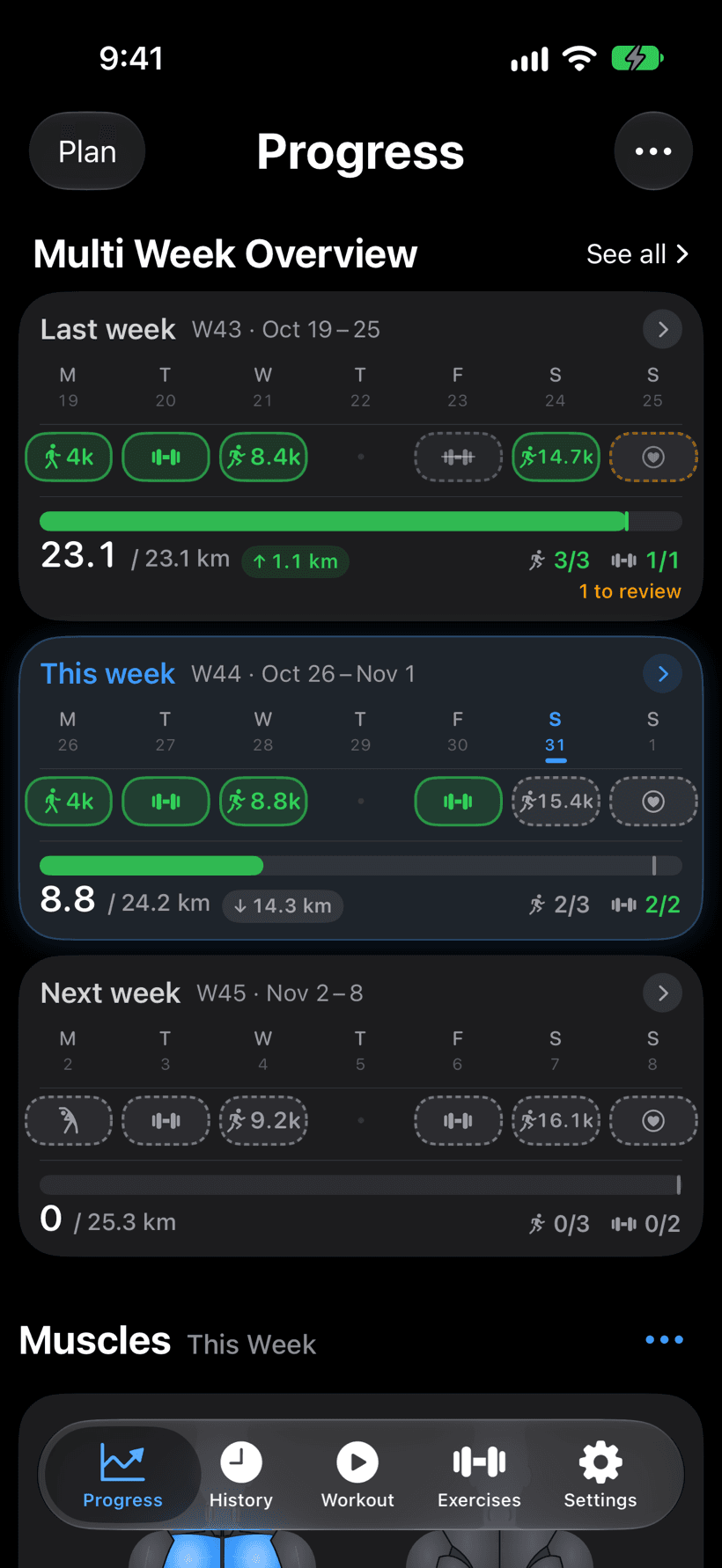
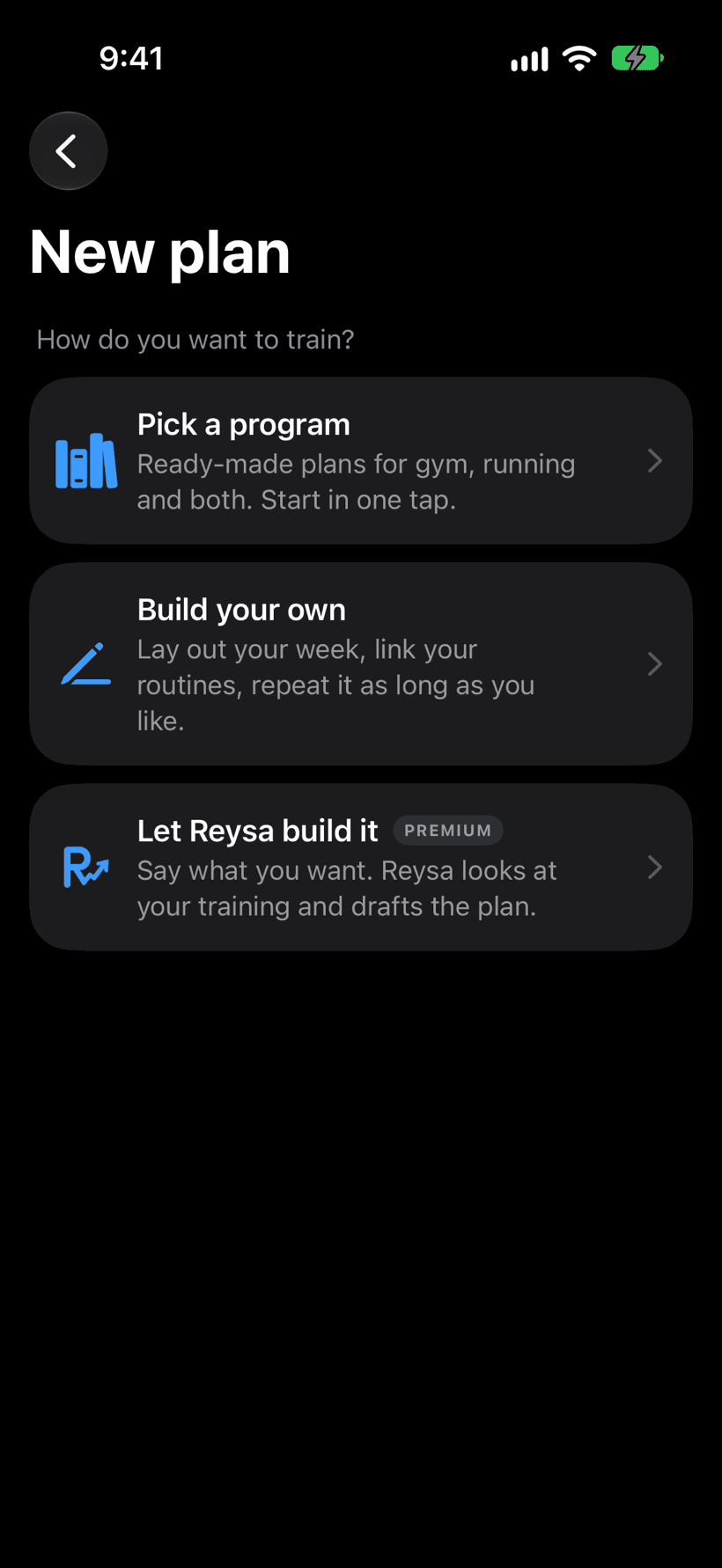
Say your goal.
Get a plan in seconds.
“10K in eight weeks, two gym days.” Reysa turns it into a week-by-week plan. Or build one from your own routines, or start one of 53 ready-made programs.
02Train
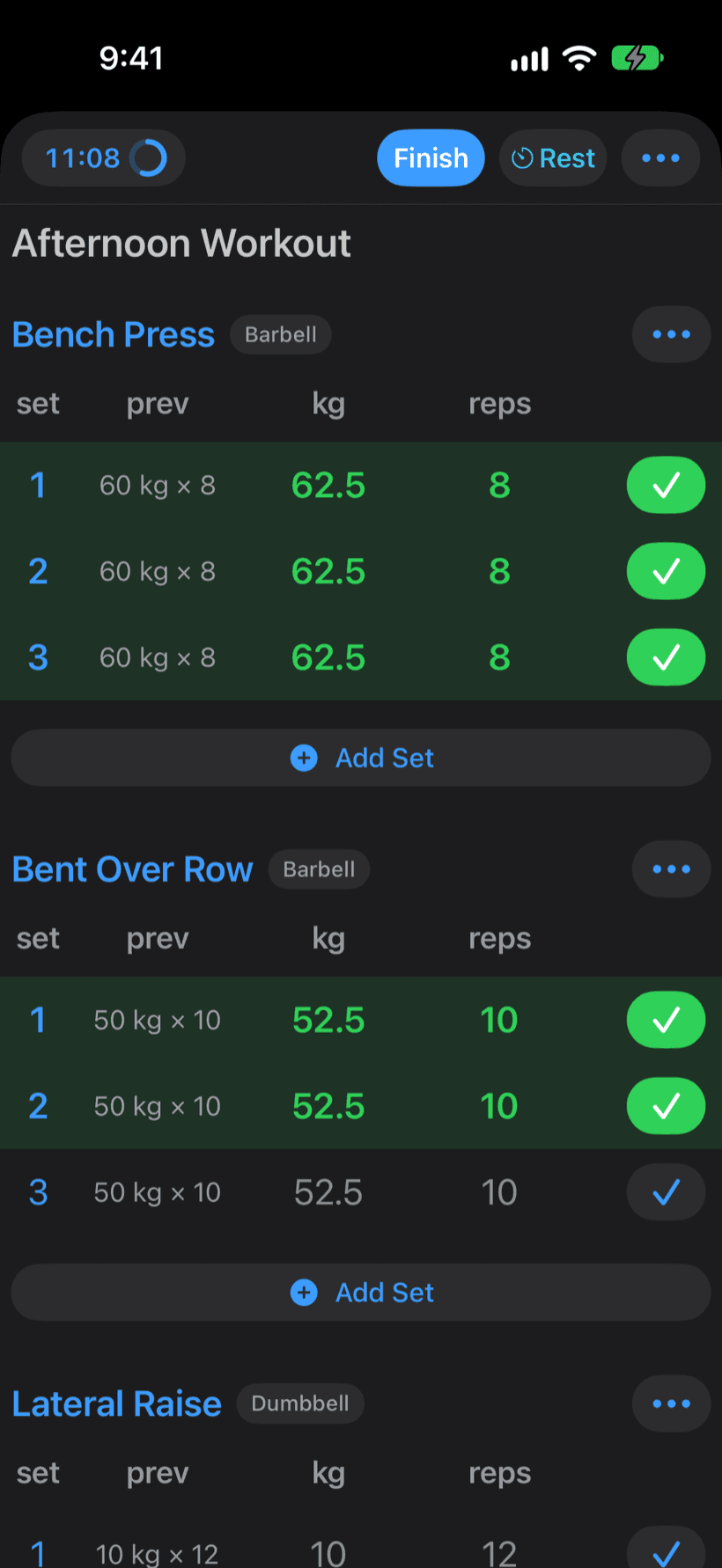
Tap. Tap.
Logged.
Last session's numbers arrive pre-filled. Log a set in two taps and get back under the bar.
03Run · Your way
Watch, phone,
or both.
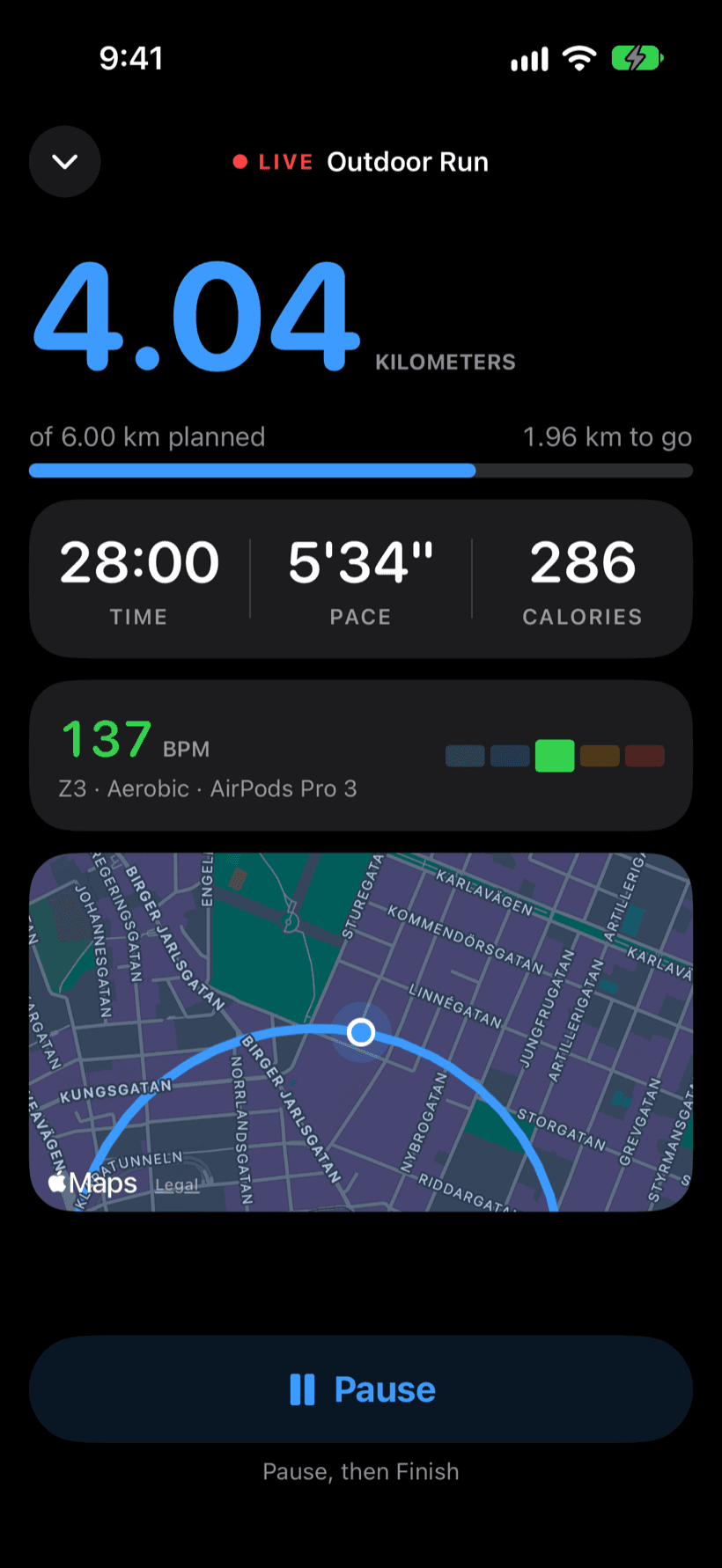
Bring what you like. Every run lands in the same plan and the same history.
Apple Watch alone
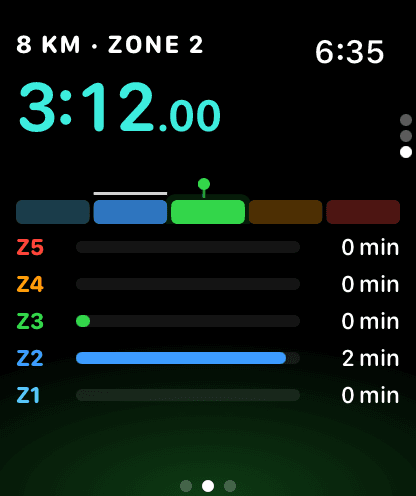
Live pace, zone coaching and segments. The phone stays home.
Apple Watch + iPhone
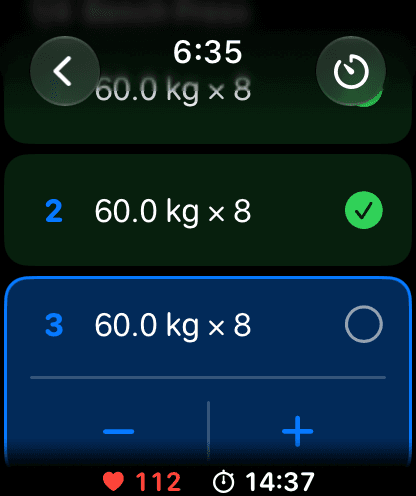
Runs, plus every gym set logged from your wrist.
iPhone aloneNew
GPS, pace and heart rate from AirPods or a strap, phone locked in your pocket.
04Balance
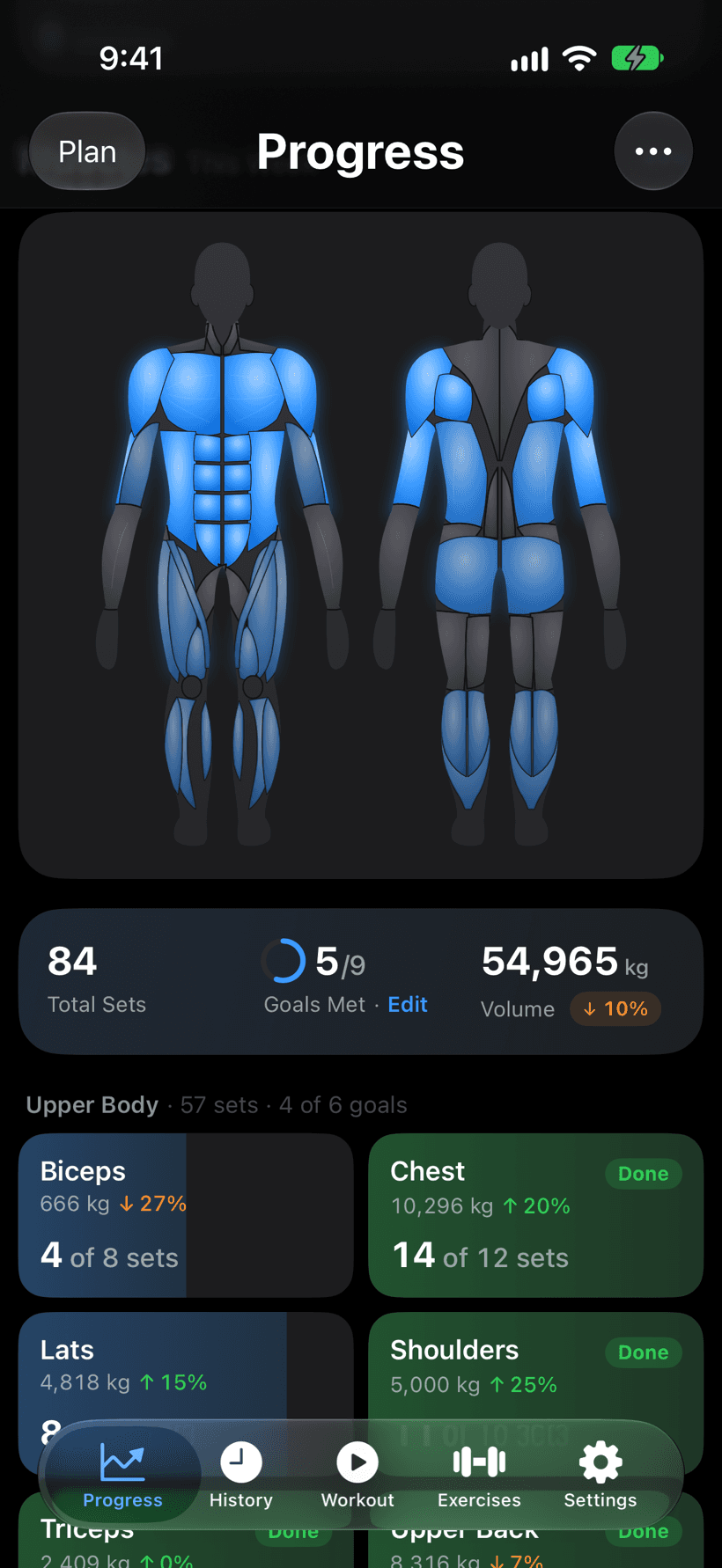
See every muscle
you trained.
Weekly volume by muscle group — spot what's lagging before it becomes a weak point.
05Endure
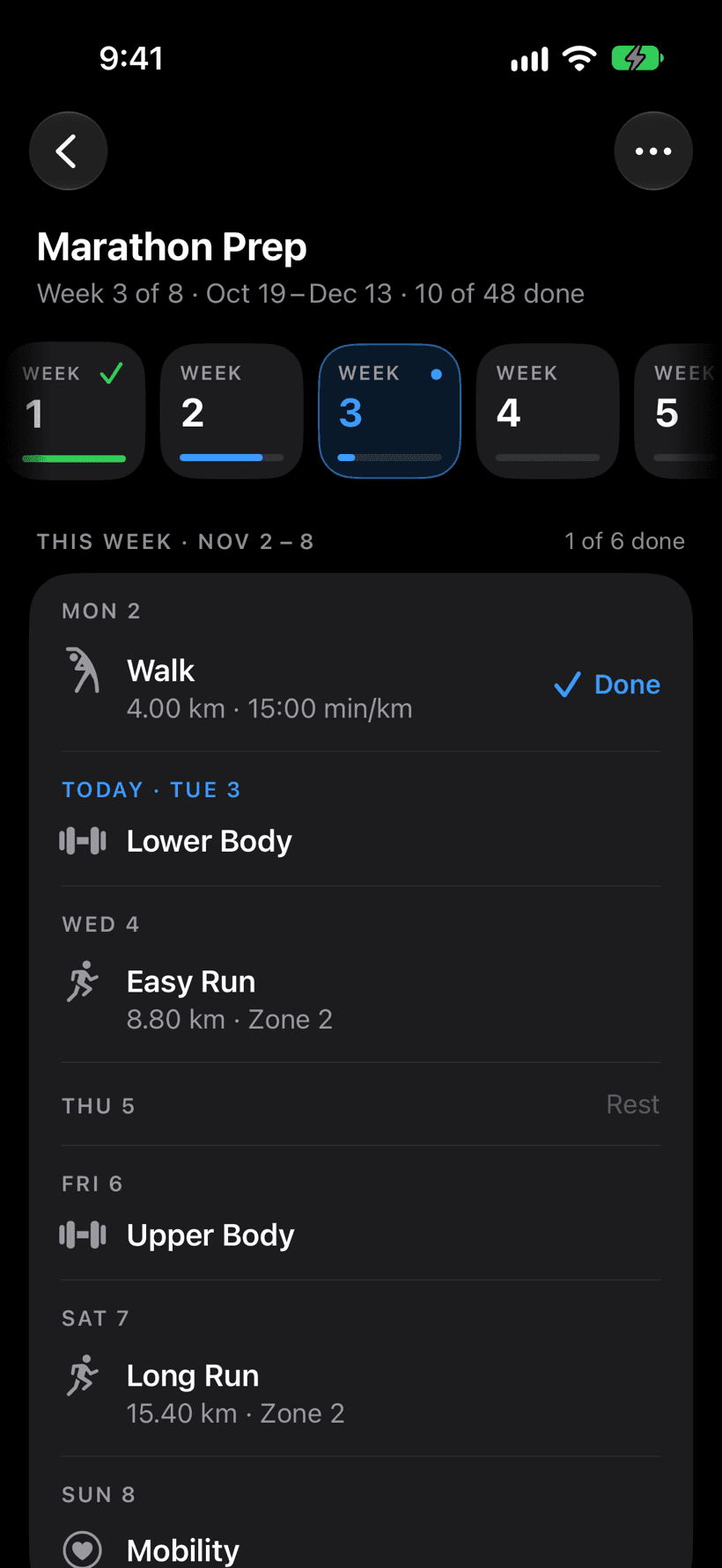
Build toward
race day.
Your plan as a calendar, week by week. Every run gets a heart-rate zone, and Apple Watch coaches you to it.
06Together
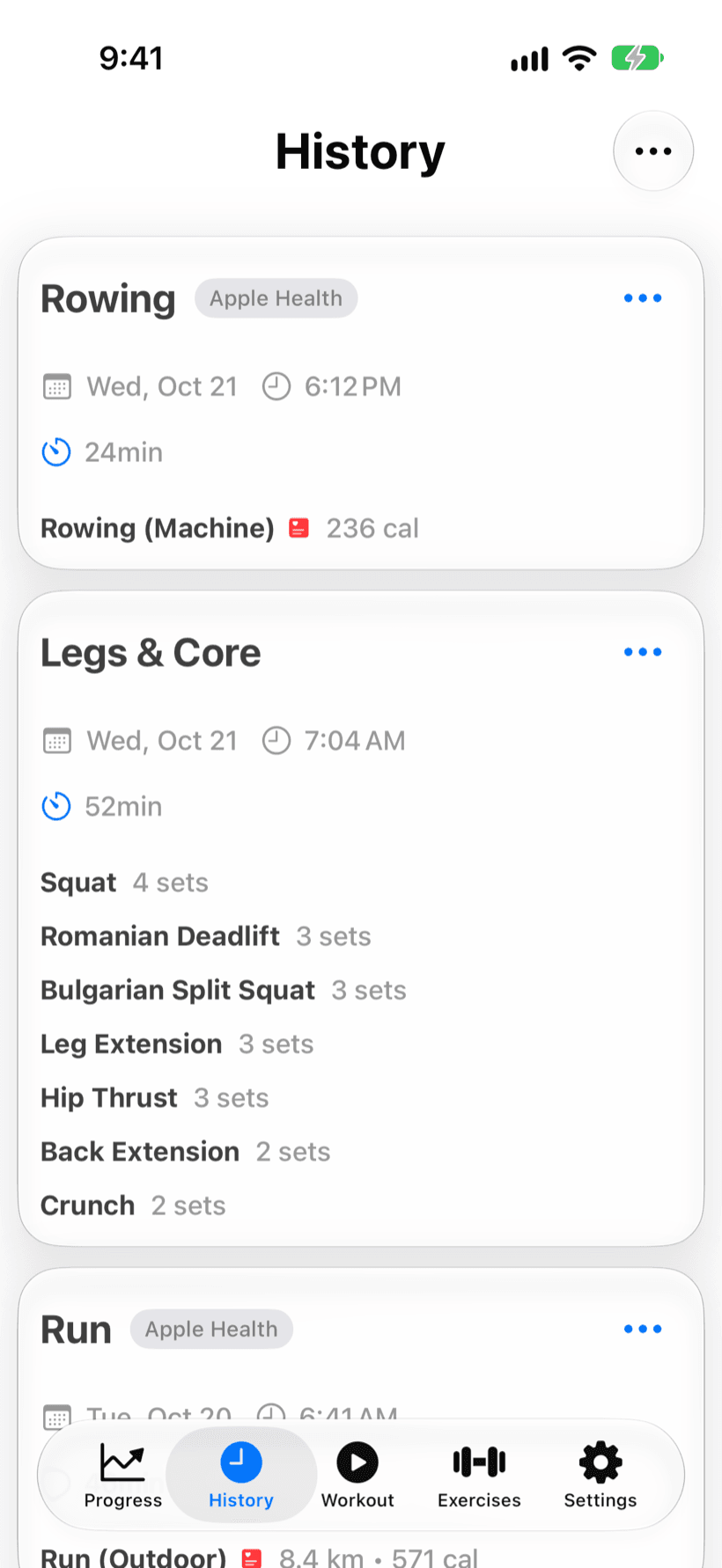
Every workout.
Every app.
Sessions from any app flow in through Apple Health. Your history stays whole.
( 02 ) — Reysa MCP serverPremium
Ask your AI about your training. It already knows it.
Reysa runs its own MCP server. Connect Claude, ChatGPT, Cursor or any AI that speaks MCP once, and it analyzes your real workouts and runs, answers from them, and creates routines and plans that wait in Reysa for your yes.
How's my bench trending? And sort next week around Saturday's long run.
Your bench is up +7.5 kg since August. Monday's 80 kg × 5 was a new best.
Saturday's 16 km long run comes the day after Lower Body. I've proposed moving Lower Body to Wednesday so your legs are fresh.
Proposed in Reysa · Move Lower Body to Wed
Waiting for your review in the app
Meanwhile, in Reysa
From your AI
Move Lower Body to Wednesday
Marathon Prep · Week 4
- Wed 28Easy RunLower Body
- Fri 30Lower BodyRest
- Sat 31Long Run · 16 km
Always on, from any AI
The server runs in the cloud. Ask from your laptop, your phone or a coding agent, any time, with Reysa closed.
Answers from your real training
Workouts, runs, splits, heart-rate zones, notes and trends. No copy-pasting, no guessing.
Creates routines and plans
Built from the lifts you actually do, checked against Reysa's exercise catalog.
You stay in charge
Nothing you already have changes until you tap Apply. Read-only mode and disconnect are one switch away.
MCP server · online
One address. Any AI.
Paste it into your AI app's connectors, sign in with your Reysa account, tap Allow. Done.
https://www.reysa.app/mcpWorks with Claude, ChatGPT, Claude Code, Cursor, VS Code and other MCP apps.
Included in Reysa Premium
What your AI gets
Analyzes
- Workouts, runs, splits and heart-rate zones
- Progress trends and records
- Your routines, plan and notes
Creates & proposes · changes wait for your Apply
- New routines for your library
- Multi-week plans
- Changes to your plan or a routine
It can never log workouts, touch your account, or change what's already in Reysa by itself.
( 03 ) — Features
The details make it.
No mockups below — these are the numbers Reysa actually keeps for you, drawn live.
MCP server · Premium
Your training, inside any AI
Reysa's own MCP server, always on. Claude, ChatGPT, Cursor or any MCP app analyzes your training and creates routines and plans for you to approve.
See how it works →- Claude
- ChatGPT
- Cursor
- Any MCP app
- Workouts & runs
- Plan & routines
- Trends & PRs
Planned vs. actual
Your week, honestly told
Planned sessions stay hollow until you fill them. Misses stay visible — that's the point.
Adherence
Did the week happen?
Sessions done against sessions planned, at a glance.
Cardio
Runs, mapped & measured
GPS route, pace and heart rate, on iPhone or Apple Watch.
Strength
PRs, tracked for you
Every rep counts toward the next record.
102.5kg
↑ +7.5 kg this block
Library
Know every movement
750+
exercises, animated & explained
Balance
Volume by muscle
Hamstrings lagging — Reysa will tell you.
Apple Health
Plays well with others
Workouts from any app flow in. Your history stays whole.

Programs
Start one today
53
ready-made programs for the gym, running, or both
( 04 ) — Apple Watch
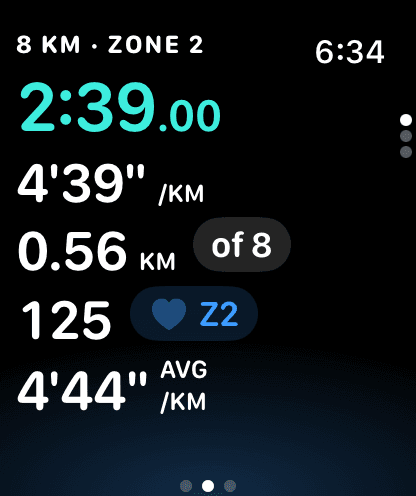
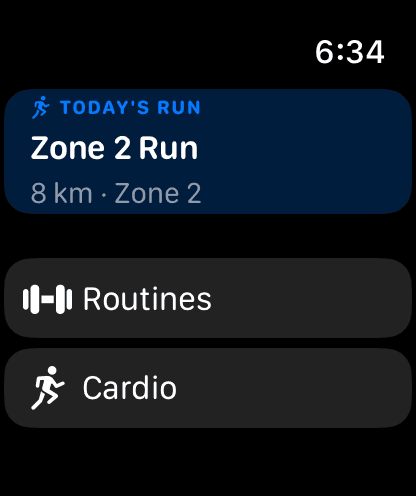
Coached from your wrist.
Run with just the watch and live zone coaching. In the gym, log every set from your wrist.
( 06 ) — Why Reysa
Lifting apps ignore your runs.
Running apps ignore your lifts.
Reysa refuses to choose.
| Reysa | Lifting apps | Running apps | |
|---|---|---|---|
| Sets, reps & PRs | |||
| GPS runs · pace · heart rate | |||
| One plan across both | |||
| Muscle-balance analytics | |||
| Apple Watch coaching | |||
| Runs on iPhone or Apple Watch | |||
| MCP server for your AI |
General illustration — capabilities of individual apps vary.
01Do I need the iOS app?
Yes — you log training in the Reysa iPhone app (and on Apple Watch). The web dashboard is part of Premium: your calendar, analytics and plan on a big screen, with the same account.
02Does Reysa track running?
Fully. Track runs and walks with your iPhone alone or with Apple Watch: GPS route, pace, and heart rate, right alongside your strength work in the same weekly plan.
03Does Reysa have an MCP server?
Yes. Premium includes Reysa's own MCP server, so Claude, ChatGPT, Cursor or any other MCP-capable AI can analyze your workouts, runs and plan, answer questions about them, and create routines and plans. It runs in the cloud, always on, so your AI reaches your training from any device without Reysa open. Anything that would change your plan waits in Reysa until you tap Apply. Setup takes two minutes at reysa.app/connect.
04Is my training data private?
Your data is scoped to your account and never sold. The privacy policy spells out exactly what's collected and why.
05Is there a free version?
Reysa is free to download and use — unlimited workouts, routines, history and plans, Apple Watch included, no account needed. Premium adds the built-in AI plan builder, Connect your AI through Reysa's MCP server, Cloud Sync with cardio backup, and the web dashboard.
06What platforms are supported?
iPhone and Apple Watch. Premium members also get a web dashboard, which runs in any modern browser.
Get Reysa
Train with intent.
Download Reysa for iPhone and turn every session into progress you can see.
Free on iPhone · Premium adds the AI plan builder, Connect your AI (MCP), Cloud Sync and the web dashboard